Wigwam does not currently offer direct card purchases inside the app. Instead, we work with licensed third-party providers that handle card payments.
At the moment, we support two providers:
Mercuryo: https://exchange.mercuryo.io/
Transak: https://global.transak.com/
When you buy crypto with a card, you choose a provider and after you are redirected to their portal, where you complete the purchase. After that, the crypto is sent directly to your Wigwam account.
If you experience any issues with card acceptance or your crypto wasn't arrived in time, please contact the provider’s support team directly to clarify why your card was declined.
How to contact their support:
How to contact Mercuryo customer support:
-
Visit the provider’s website https://exchange.mercuryo.io/
- Log in into your account (use the same email that you have used when you bought a crypto with the card).
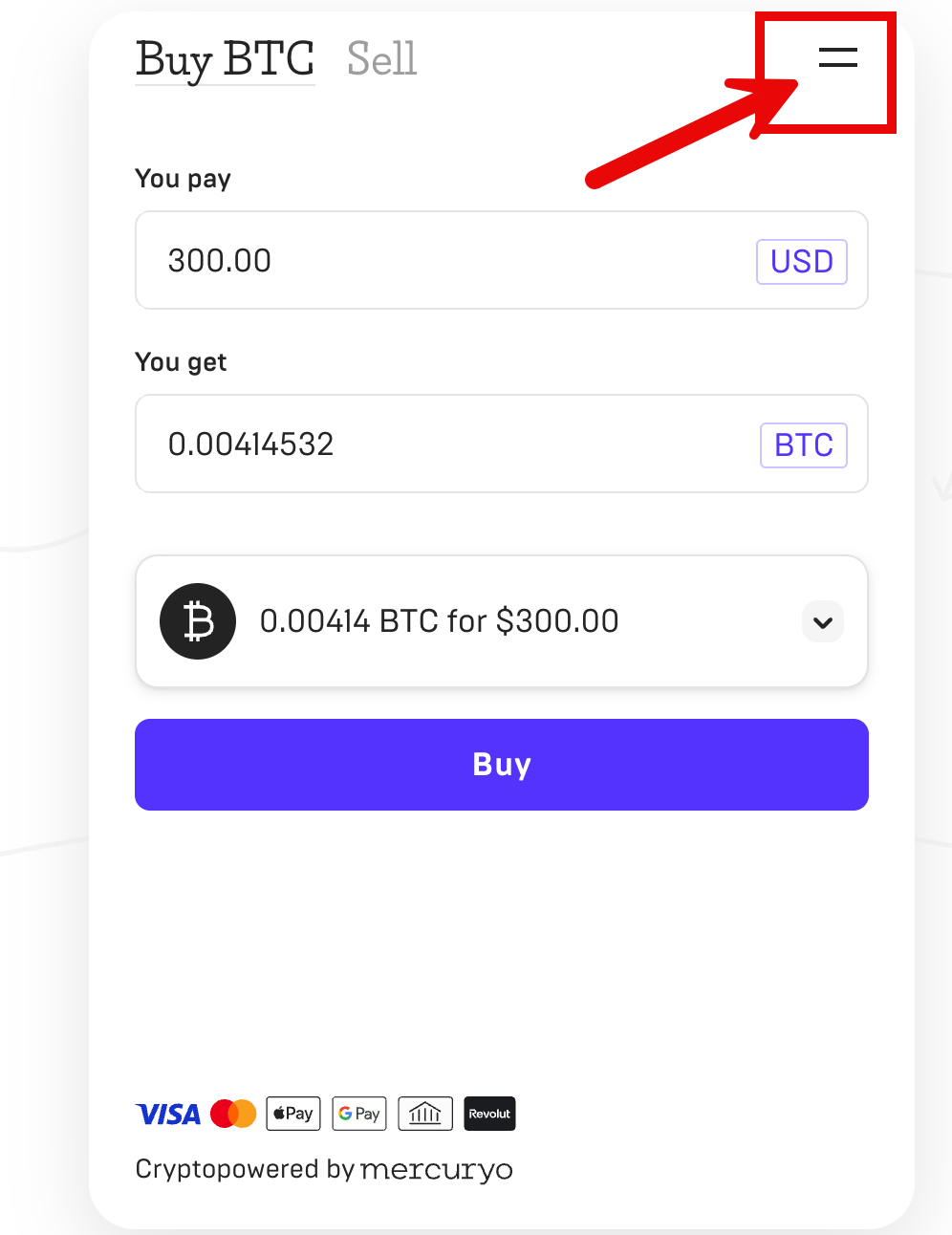
- Click the hamburger menu at the top (to the right of the Buy/Sell buttons).
4. Select the Support option:
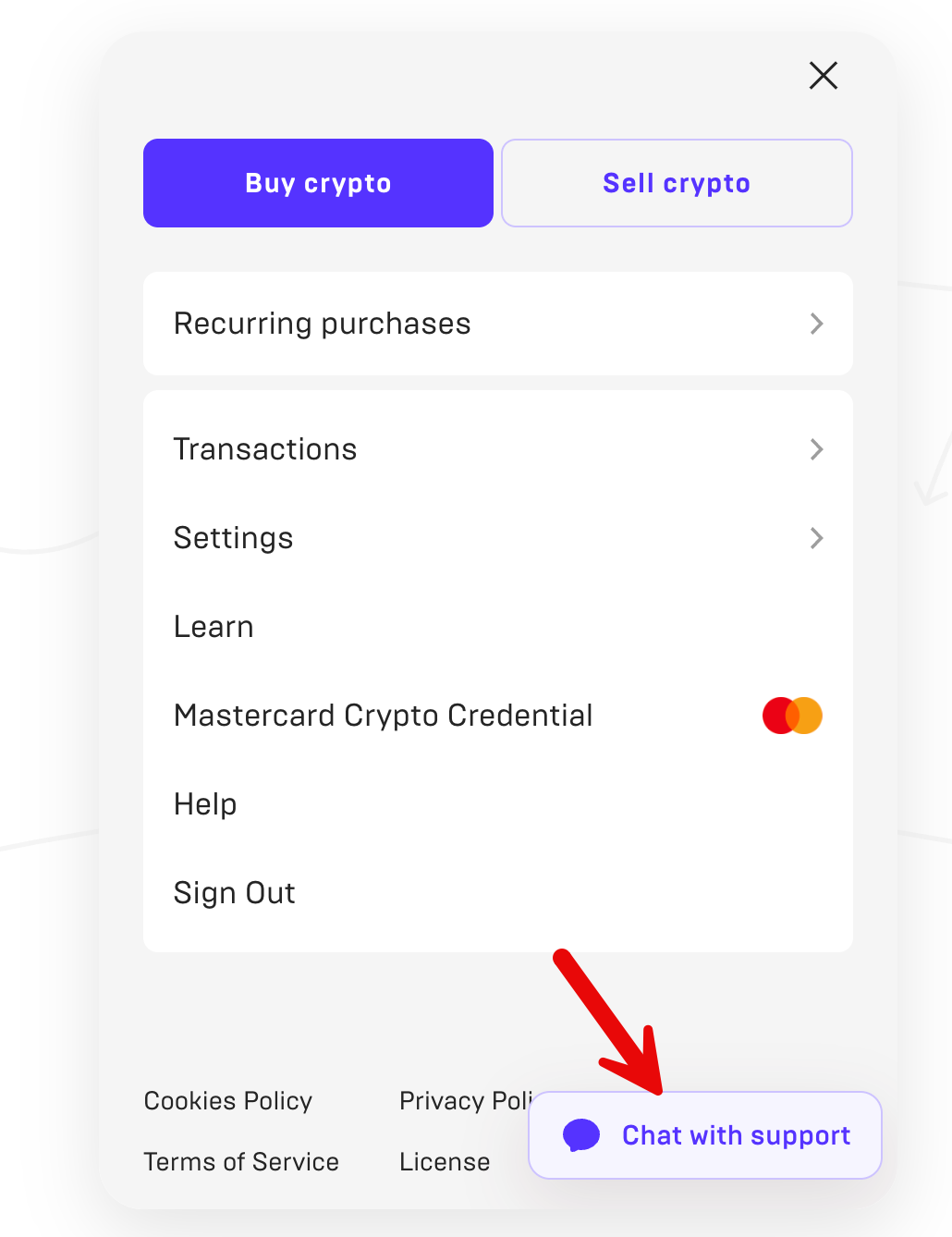
How to contact Transak customer support:
- Visit the provider’s website https://global.transak.com/
- Log in into your account (use the same email that you have used when you bought a crypto with the card).
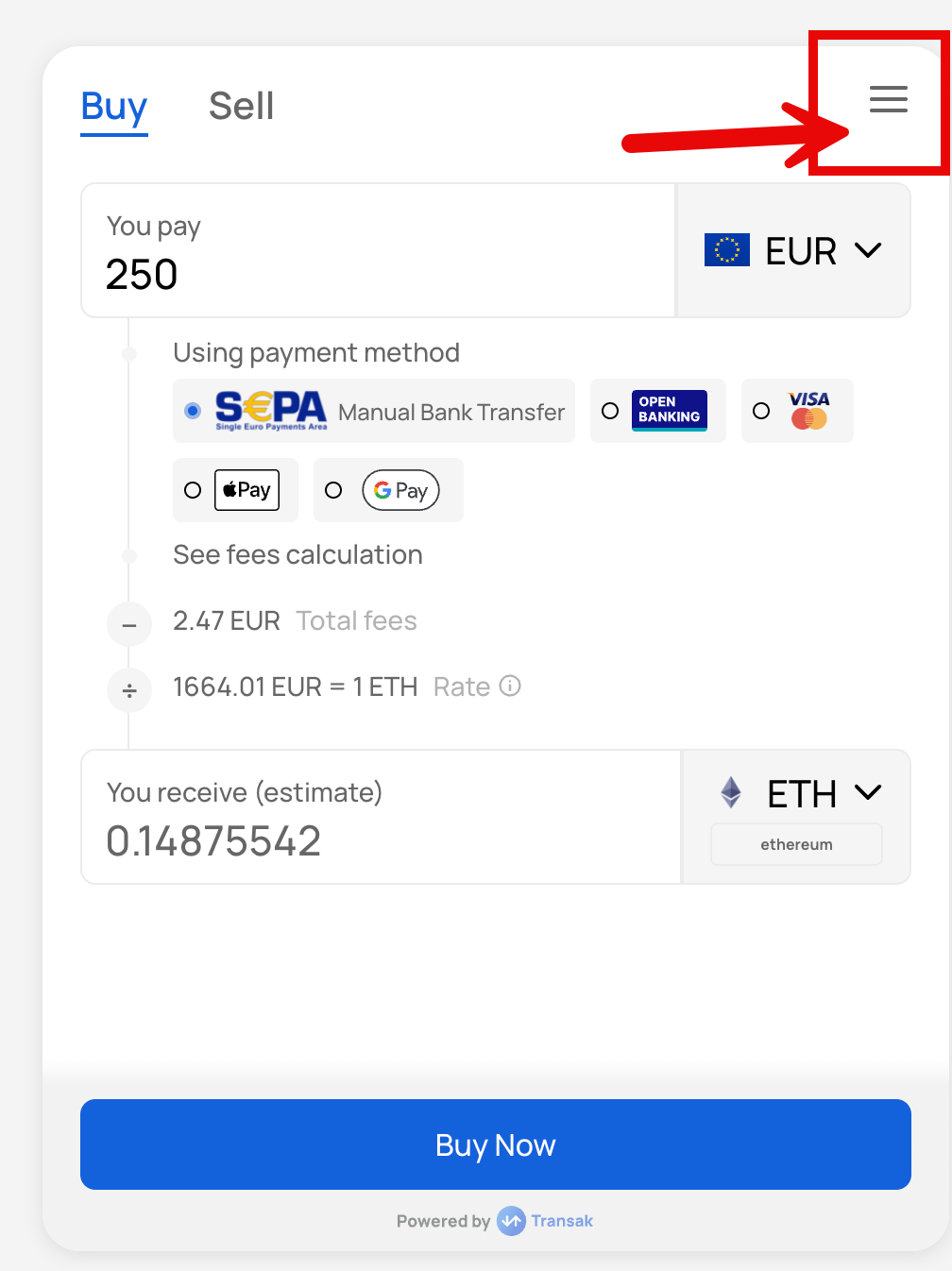
- Click the hamburger menu at the top (to the right of the Buy/Sell buttons).
4. Select the Support option:
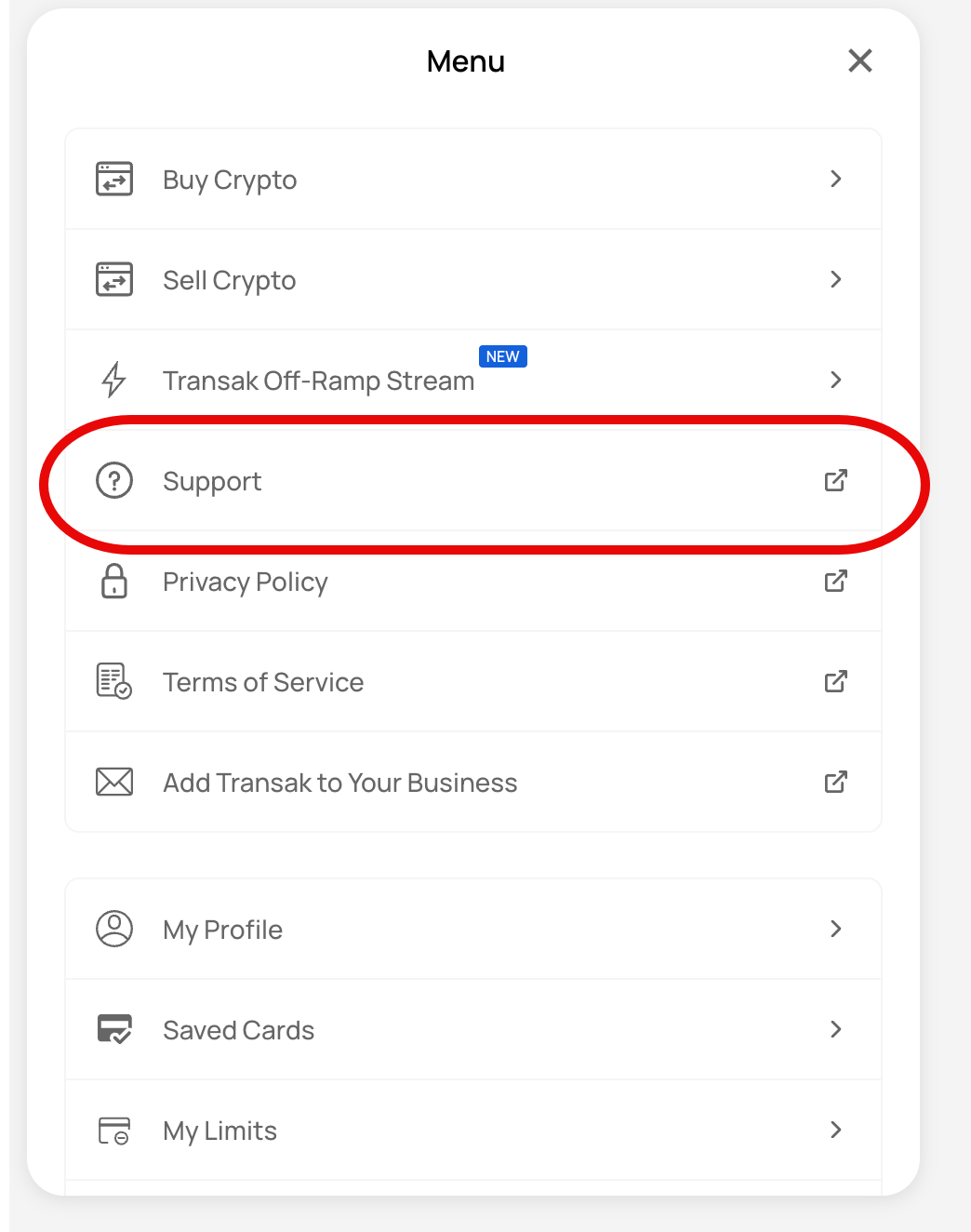
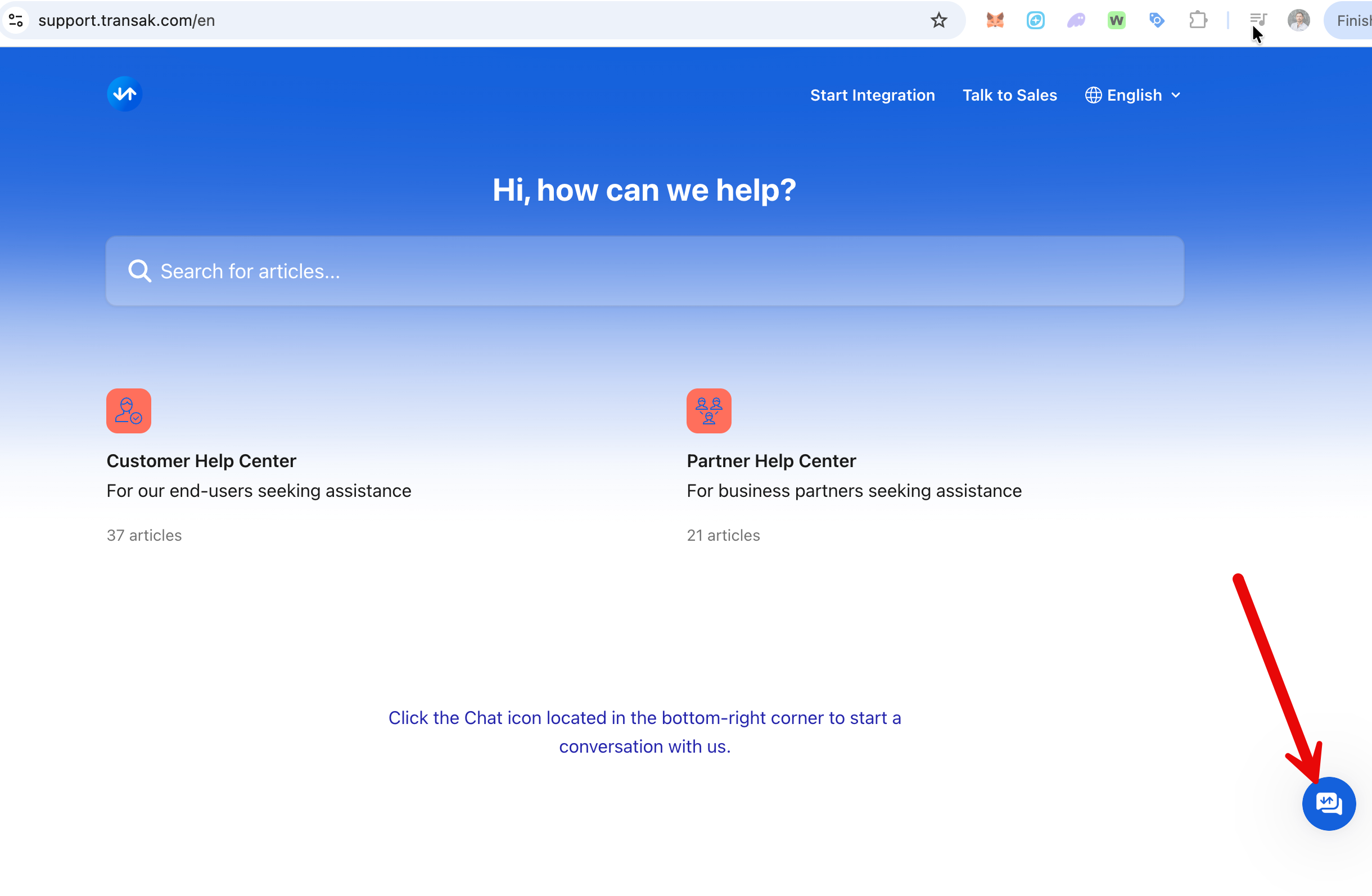
After you will visit the Support portal on the page: https://support.transak.com/en, where you can ask questions via the chat:
If you couldn't solve your issue with the transaction via their support: please write to us: info@wigwam.app - we will investigate this issue on our side.
