If you see an infinite loading icon that prevents you from accessing the Wigwam app, the issue may be caused by your phone’s local cache.
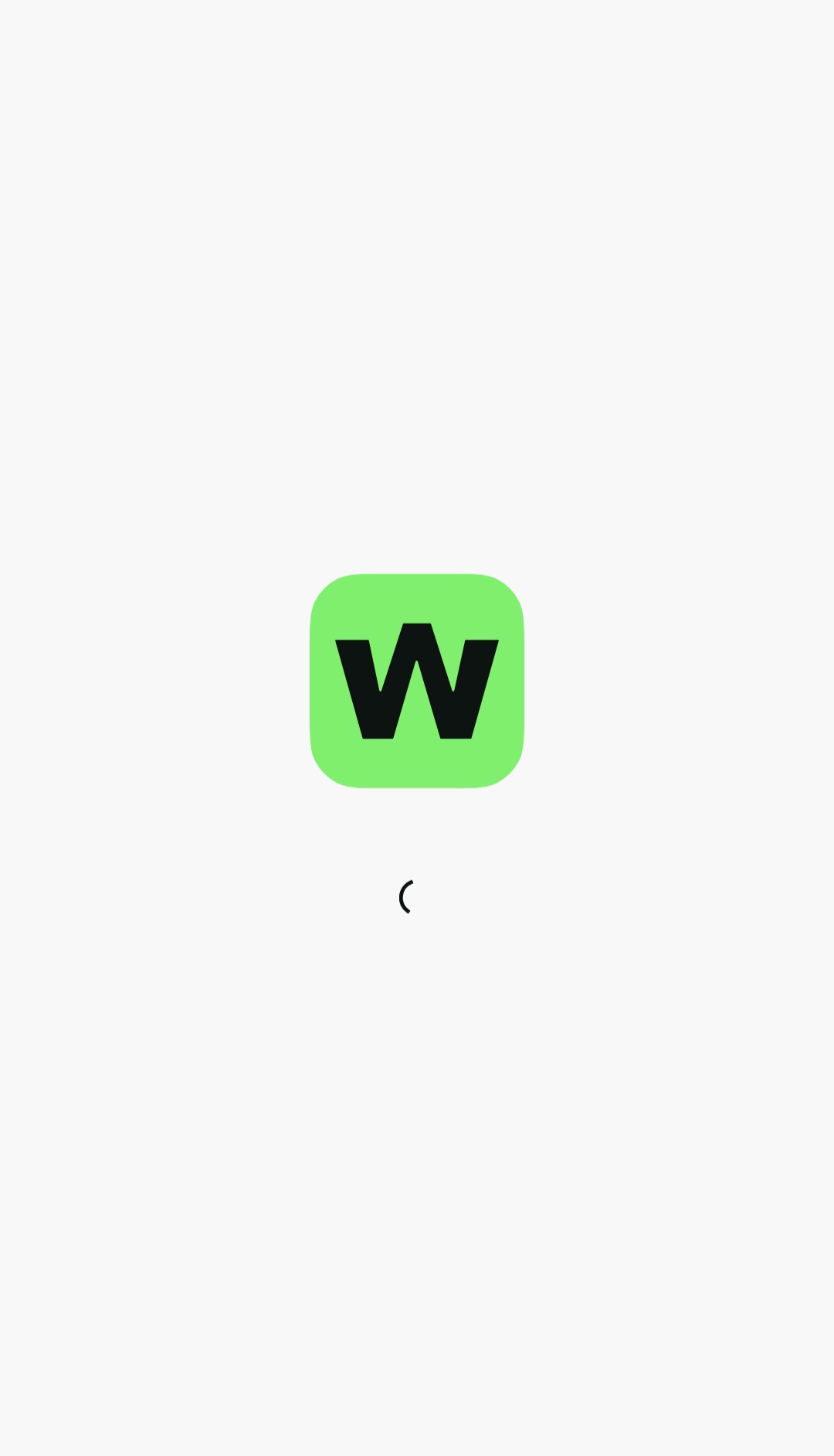
To fix it, reinstall the wallet by following these steps:
- Open your phone’s Settings.
- Go to Apps → Wigwam → Uninstall.
- Reinstall Wigwam.
Important: You must uninstall Wigwam through your phone’s Settings. This is the only way to clear the app’s cache completely. After reinstalling the app, it should work normally again.
If the issue persists, email us at info@wigwam.app and include your phone model and operating system version. Our technical team will investigate the issue and help you find a solution.
